

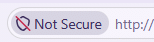
Without an SSL certificate your website will show as not secure. As website visitors become savvier, they expect assurances that the website they are visiting is genuine and their personal data is safe.
On a practical level an SSL (Secure Sockets Layer) certificate encrypts data sent between a user’s web browser and a website’s server, and it proves the website’s real identity.
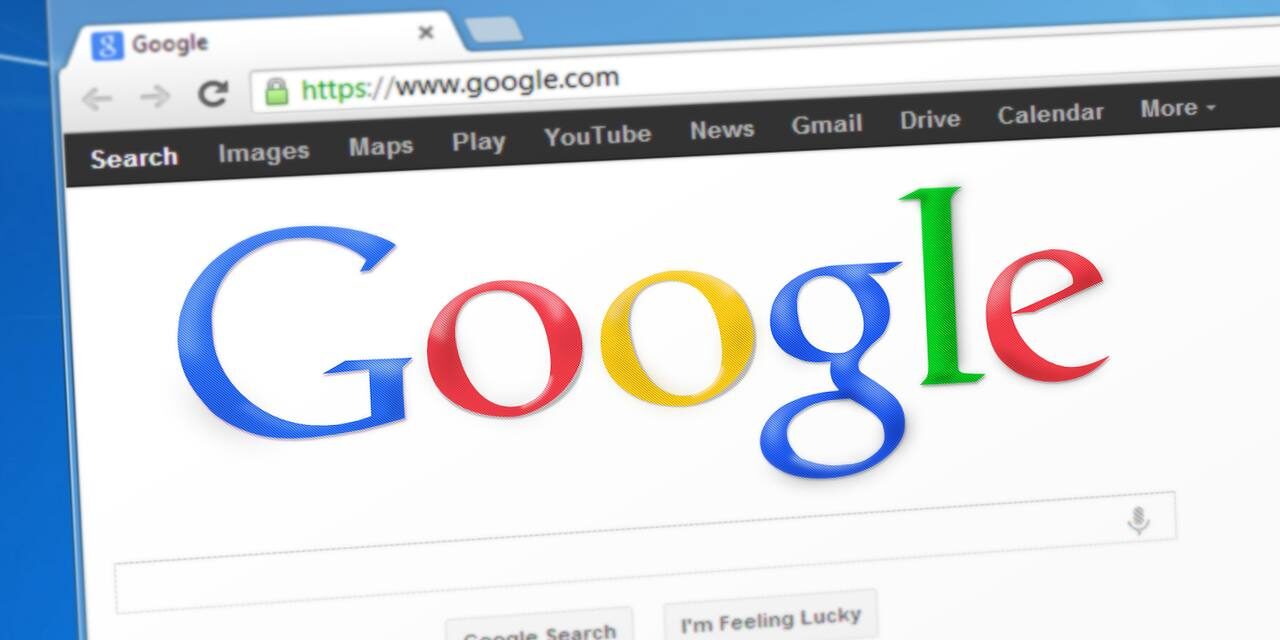
If you have an SSL certificate, your site’s URL will start with the prefix “https” and a padlock icon will be displayed in the browser bar, showing your visitors your site is secure and their data is safe.

Pages that are protected with SSL receive better search engine rankings and are more likely to be trusted by visitors. This is particularly important if you are running an e-commerce website or are asking website visitors to send you personal information such as contact forms, registrations or setting up an account. Search engines and AI search will tend to rank secure pages with SSL certificates more highly as it demonstrates the credibility of the owning organisation. Gaining the trust of visitors should not be underestimated.
In summary an SSL certificate does the following:
- Secures data transfers
- Avoids browser warnings
- Improves your Google ranking
So how do you get an SSL certificate for your website? The simple answer is get in touch with us and we will get the right certificate verified, installed and setup so your website goes from http (not secure) to https (secure). Our prices start at £60 per year.
Our SSL certificate services
Leave it to us. We will do the following:
- Purchase an SSL certificate for your website and associated services.
- Verify the SSL certificate for your domain through one of the following:
- Sending a verification email to an email address at your domain e.g. admin@yourdomain.
- Add a CNAME or TXT record to you domain name’s DNS settings.
- Add a TXT or html file to a specific hidden folder on your website’s public html folder.
- The verified SSL certificate will need to be installed on your web server. This is sometimes done by our web hosts or we will do it manually if your website is on one of our VPS or dedicated servers. If you’re curious the process involves the following:
- Revoking the default issued certificate.
- Generating a CSR (certificate signing request) on the server where your website is installed.
- Uploading the CSR to rekey the certificate.
- The SSL certificate is now verified with your domain and associated with your web server.
- Upload the SSL certificate (usually a TXT file with encrypted information) to the VPS server and start using the certificate.
After the SSL certificate has been installed
Once the SSL certificate is in place an important step is to update menu links, internal links on pages and redirects. The same goes for any external directory websites or other external links. We will add redirect code to force users onto https but it looks so much better if the link has been updated.
Finally make sure that all email signatures are updated with the https URL. This ensures that everyone in the organisation, stakeholders and potential customers know that your website has an SSL certificate. This demonstrates the company’s commitment to website security and the sexcure handling of customer data.
This might be a good opportunity to tell your customers with an email message.
If you’re using a content management system like WordPress then we will make sure the website is backed up the before changing the URL in the Dashboard.
You can test your SSL certificate here: SSL Server Test
Get in touch with Dinesh on 07941 686113 or contact us if you need help on web design, web hosting, SEO services or domain names.